Try list the NICs on the system
esxcfg-nics -l
If you don't see the following NIC there, run the following
lspci -v | grep -A1 -i ethernet

You should now see the missing NIC, take note of the PCI slot number, obtain the Vendor ID (VID) and Device ID (DID) of the new NIC
lspci -n | grep xx:xx
lspci -n | grep 02:00

0000:02:00.0 Class 0200: 10ec:8168
Go to: https://www.vmware.com/resources/compatibility/search.php select IO Devices, check if the card is compatible with VMWare, if not compatable, need new NIC card.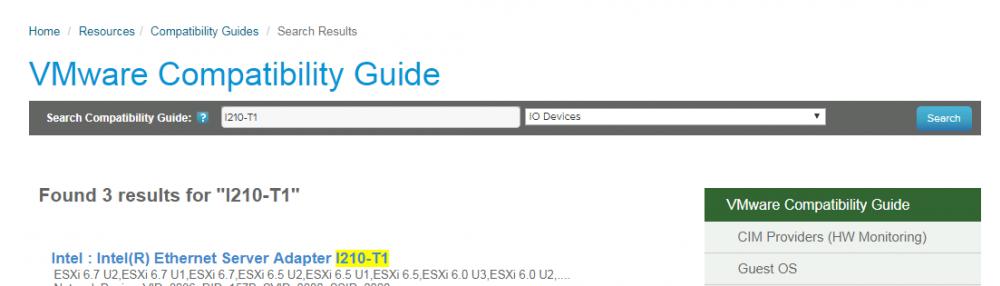
If compatible, confirm correct driver is loaded by running (in the above example we found one that was compatible)
vmkload_mod -l |grep drivername